Supporting the deployment of learning technologies
The vast majority of my current work directly involves supporting the deployment of learning technologies in my role as teacher trainer and ongoing professional learning designer in the FE sector. I will share two examples here, one of strategic input I provide to leaders and senior staff of organisations on their learning technology adoption journey, the second around how I provide on-demand, practical support to FE teachers experimenting with technology.
Strategic input for organisations adopting technology
In my work as a digital learning specialist I am often asked by organisations to design and host bespoke CPD events around learning technology deployment. This involves making a strong rationale for the value that learning technology and the use of flexible delivery models can bring for the teacher and the learner and also demonstrating affordable types of learning technologies that can be easily adopted in a variety of learning spaces.
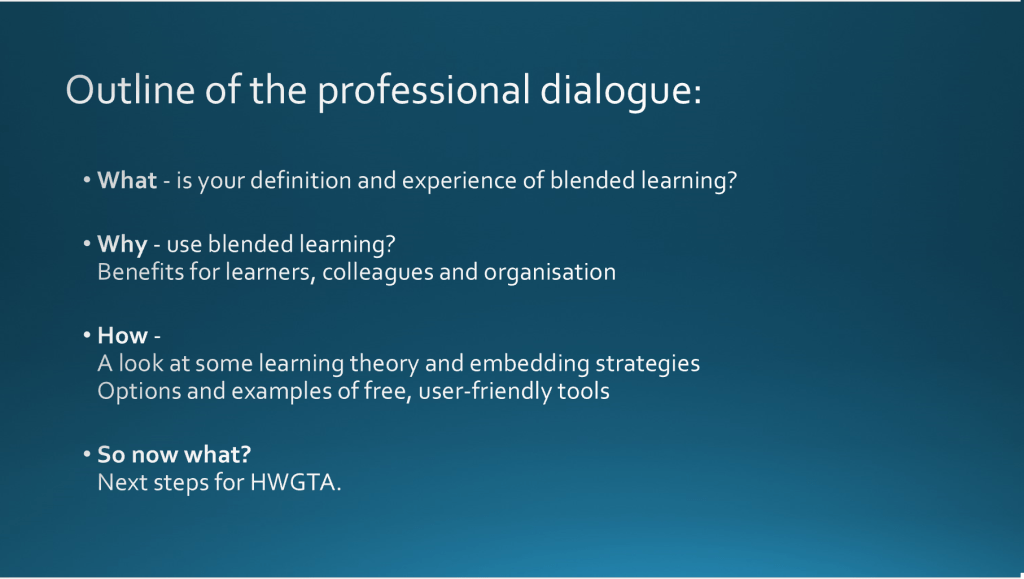
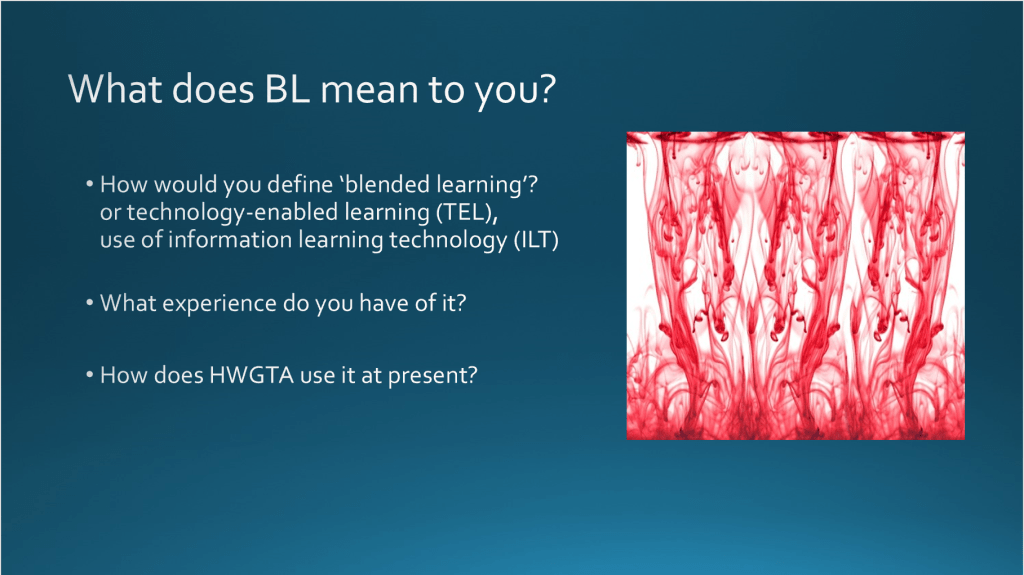
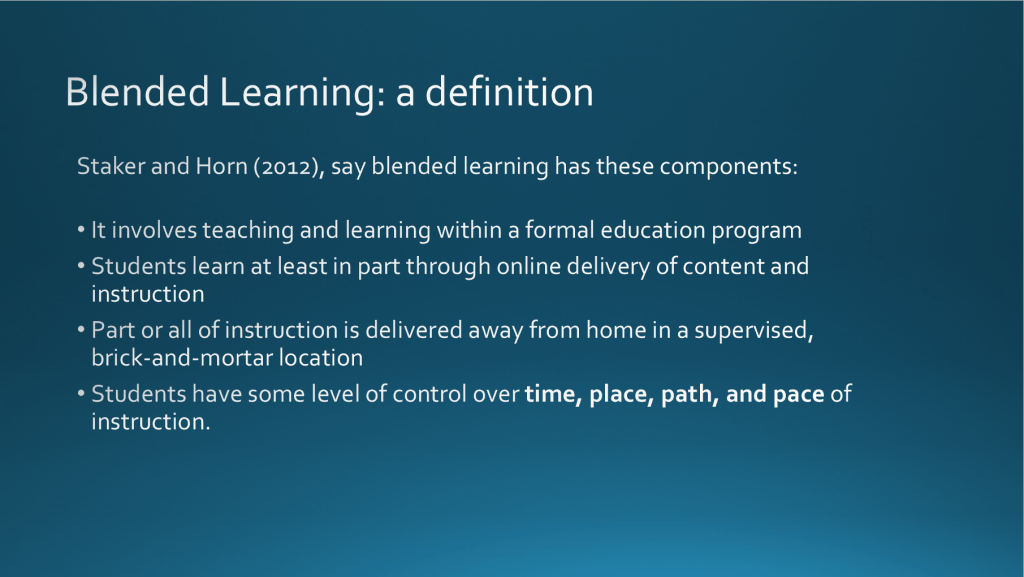
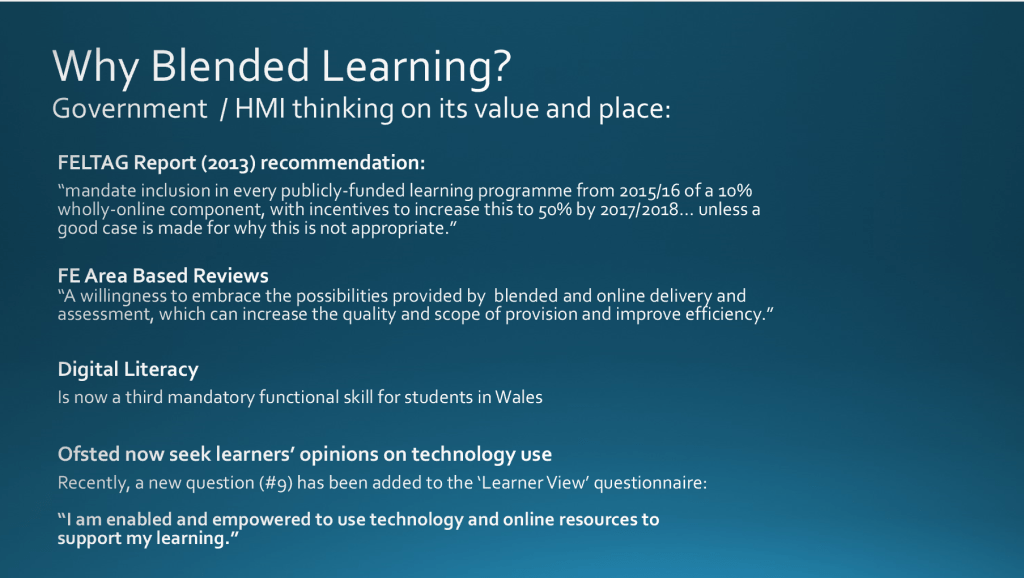
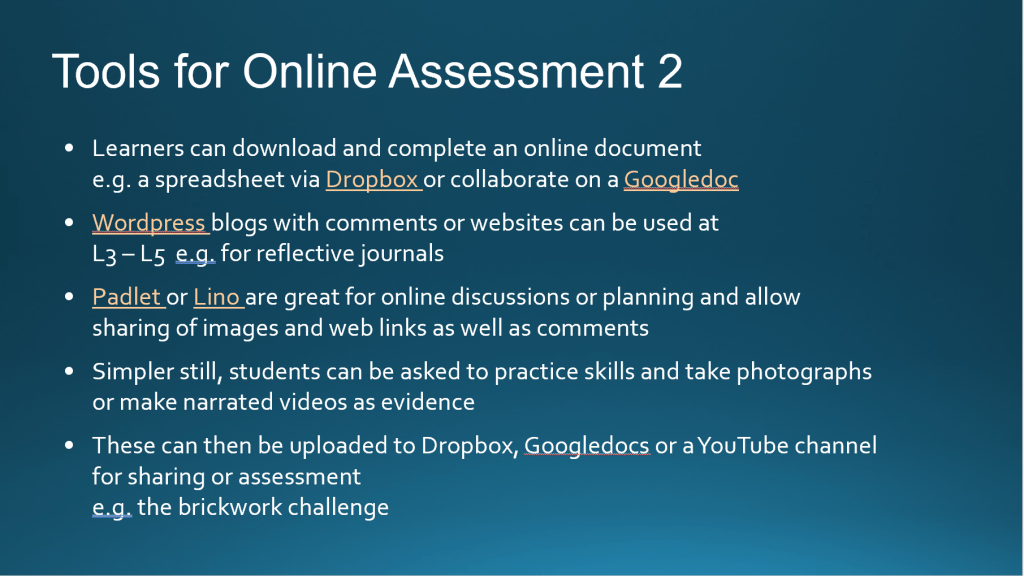
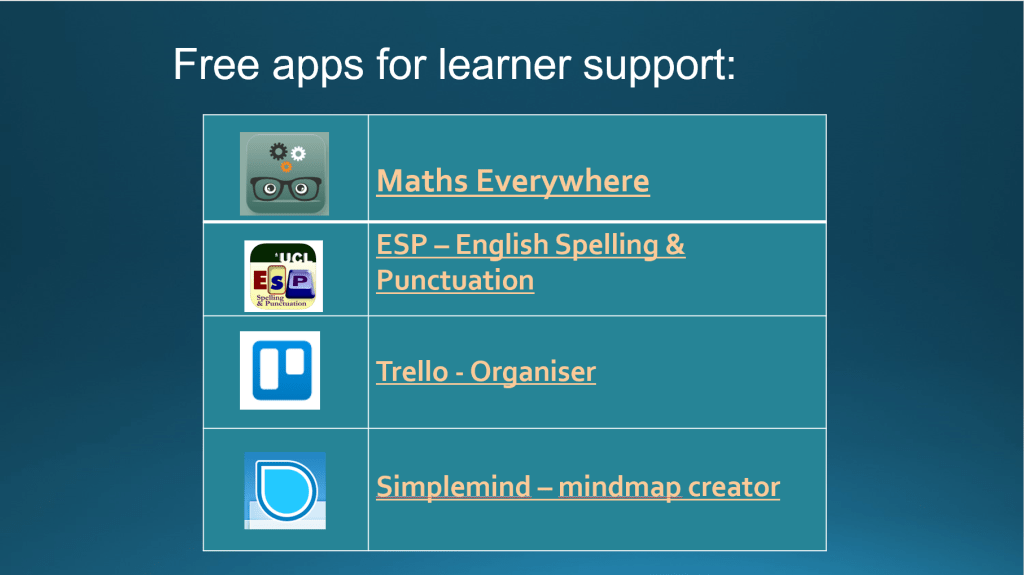
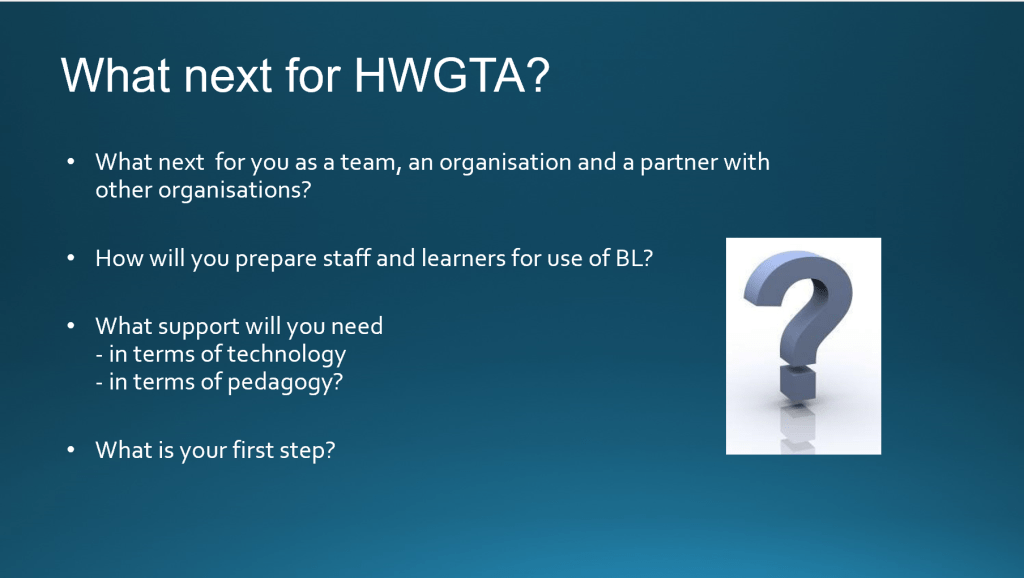
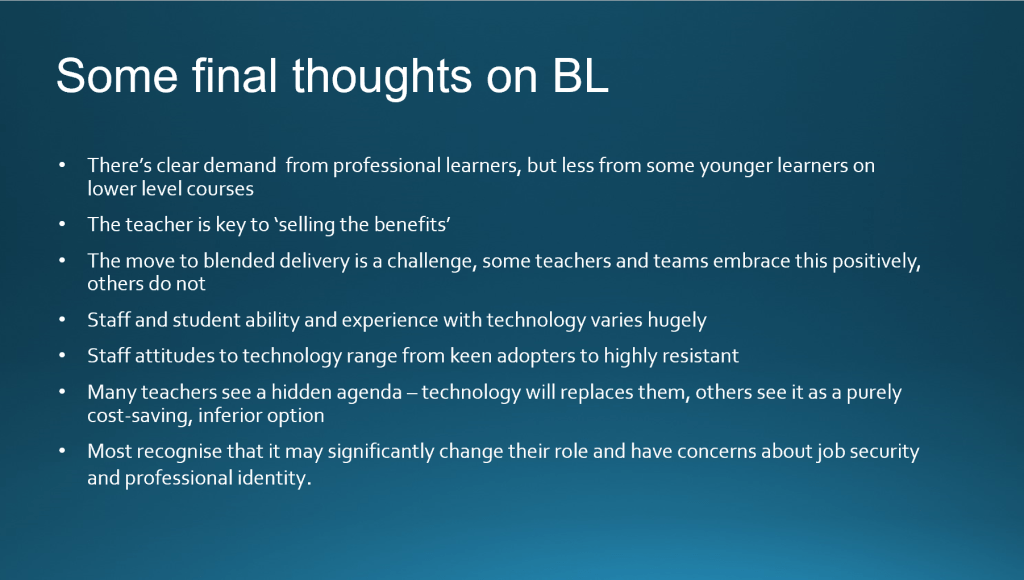
To illustrate this, I am sharing here a 4-hour session that I devised and facilitated for HWGTA, a local third sector, employer-led learning provider of Apprenticeships and workforce development courses. I have used a similar format to this session when facilitating this type of training at several colleges, local councils and other independent providers.
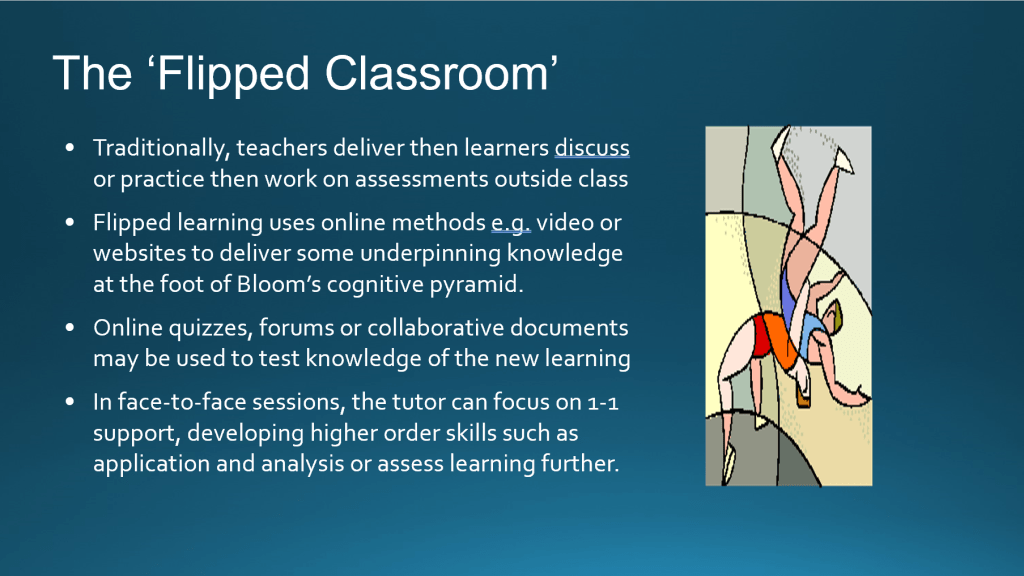
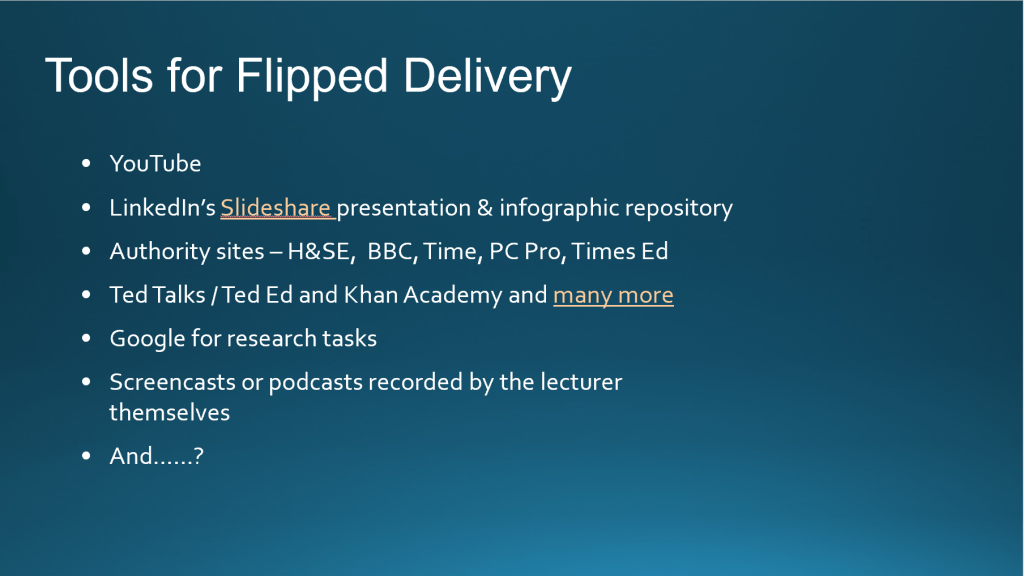
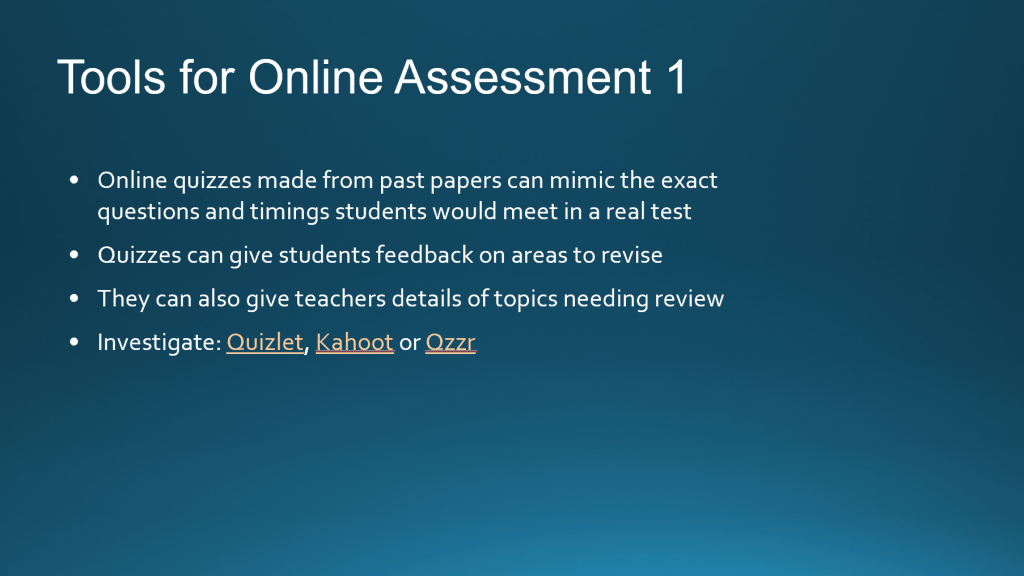
I deliberately design these sessions to be a ‘professional dialogue’ between colleagues and prefer to host it in an informal setting rather than as a formal training session. The slideshow below shows the content of the session and the resources and evidence scaffolding it:









Supporting teachers in developing day-to-day digital pedagogy
Regarding the direct 1-1 and small group support that I provide for teachers in FE, this is centred around two main groups, first of all mentoring for new teachers undergoing initial teacher training and secondly support for teachers beginning new online CPD courses or using new types of learning technology for the first time.
One key success factor that I have identified is to give real-time demonstrations of the technology explaining its value, relevance and direct practical application to the teachers’ scenario. This establishing of contextualised relevance is key to ensuring engagement.
When providing this support, my first preference is always to hold a live Zoom session where I can share my screen and demonstrate the technology and then allow teachers to experiment and do the same. Scheduling challenges often mean that this is not possible, in which case I employ Screencast-omatic to record bite-size explainer videos of each digital tool and process or demonstrate use of animated GIFs I have created. These are also a useful refresher for teachers who have been able to attend face-to-face as they can call upon them at any time if they need a reminder of how to operate the technology.
The wider purpose and value of adopting this strategy is that it encourages teachers to record their own short explainer videos or create GIFs for learners which they might use in their specialist scenario, for example to explain a maths calculation process or talk learners through an English grammar example like the one here:

Demonstrating to teachers that they can present on-demand video-based sessions or create short video snippets or GIFS explaining key ideas which usually generate lots of questions is an important skill to model. This can not only make teachers more responsive to their learners’ emerging needs and challenges, but can also be a great time saver removing the need to keep giving in-person input on common challenges (such as use of Harvard notation or the apostrophe) live in the classroom.
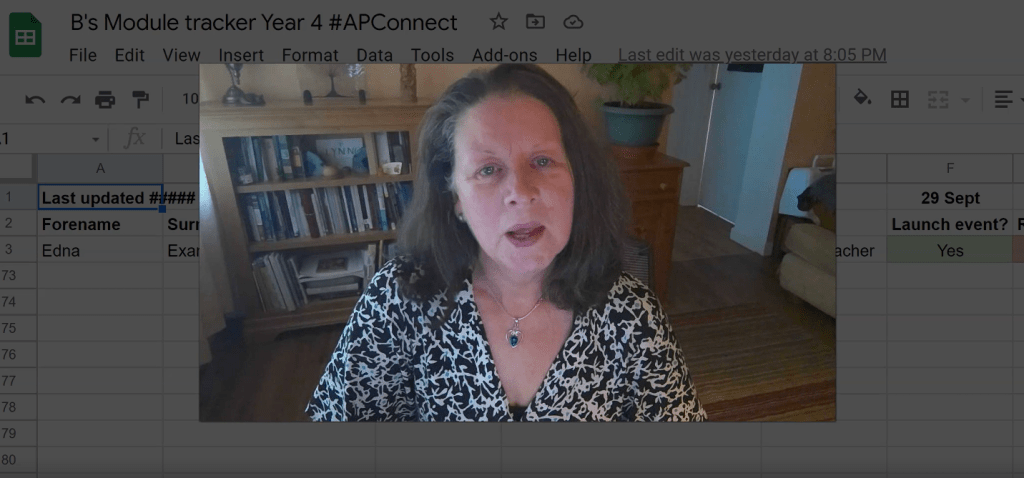
To illustrate the typical video snippets that I create, I have included two examples of evidence. The first is a video recorded for the teacher-learners on the course introducing participants to the online modules and Slack channels that they would be engaging with. The second was recorded in my role as online module lead on the #APConnect course to induct and guide mentors supporting the learners on it and tracking their progress for the project director.

Assessing Learners’ Needs and the Impacts of Technology Use
In my current learning facilitation scenarios a significant challenge is determining learners’ specific needs at the outset and planning learning to suit a group profile. The majority of my teaching involves either one-day educator CPD or IT/digital skills courses or short courses such as the AET initial teacher training course. These curriculum models do not afford time to have the luxury of feedback from sophisticated learner diagnostics such as BKSB Skills Builder for maths, English and IT skills as a curriculum team would have opportunity to gather on a longer programme such as an apprenticeship, BTEC or degree course, or time for dialogues with participants ahead of time. Consequently, my strategies for meeting learners needs are based largely on experience of needs of past, similar cohorts and from drawing on research evidence on adults’ digital skills development needs.
One piece of research that I am currently working on is the Ufi/ALT #AmplifyFE ‘Insights’ Research on how we most effectively design and deploy learning technology and digital skills to best support vocational learners most impacted by the digital divide. A fuller discussion of the outcomes of this research can be found in the Advanced Area of this portfolio.
The outcomes of the first phase of this research have been instrumental in informing my planning of curriculum and resources around deploying technology to better meet learners needs. The key findings on adult learners’ needs from the ‘Insights’ research that I have been drawing on are:
- Confidence is a significant barrier for adults engaging with learning technology and we should not make assumptions about their levels of digital skills or experience
- Direct relevance and benefits for technology use, contextualised to adults’ work roles or personal interests, is key in order for skills acquisition to be meaningful and motivated
- Adequate access to technology, timely support and opportunities to experiment with its use while building a professional and personal digital identity and skills portfolio is instrumental, including ‘quick wins’ to reinforce positive impacts of digital skills acquisition.
Informed by these research findings I begin all one-day and short course sessions with a facilitated discussion on participants’ digital skills experience and needs conducted in a relaxed environment over coffee and biscuits. This allows delegates to discuss their current levels of experience with the technology concerned or learning technology in general, the scenarios and groups of colleagues / learners that they will be working with and ‘what they want to get’ from the course. I find that this activity greatly aids group bonding and bolsters confidence and motivation as a sense of shared challenges and needs around technology acquisition inevitably emerges.
Once I have this information, I can build initial sketch pen portraits of delegates and, having designed all activity and resource provision to be easily differentiated with consolidation and advanced level activities, I am able to signpost delegates to the appropriate level of challenge and provide tailored support once sessions are underway.
I also find that sharing anecdotal evidence of my own challenges with acquisition of digital tools and platforms during sessions is tremendously helpful when bonding with and motivating learners. I had not so much as touched a computer between having brief, largely unproductive, experience with a basic Apricot word processor in high school and the age of 35 when I began my Open University degree. I found my early experiences mastering tools such as spreadsheets very frustrating and challenging as there was little online help available at the time. I also confide that I frequently still have frustrations with technology when new interfaces seem illogical or my access to networks is impeded by connectivity or security requirements. I find that when someone that learners perceive as an ‘expert’ expresses vulnerability and shares their technology challenges, this serves to give learners permission to confide what they don’t understand and works towards removing the stigma of getting things wrong.
Reflection on Evaluating Programme Impacts
Just as it can be challenging to assess prior experience and learning needs on one-day or short courses, there is equally little time to collect and discuss detailed feedback on learners’ experiences or the long term impact of each programme. When evaluating the impact of courses there are several mechanisms that I can draw on.
I end each course with a plenary discussion asking learners to discuss what they found most useful and most challenging and by asking them all to outline one or two actions that they will immediately put in place in their own practice. In my work for HWGTA and MET Academy this discussion is augmented with written feedback elicited via a Microsoft Office feedback form shared with learners via QR code enabling them to relate impressions and impacts of the course. The challenge here, of course, is that requesting that delegates complete a feedback form at the end of the day’s training means that busy people may forget, not always find time to complete the feedback, or might give minimal, complimentary responses.
I have shared the anonymised feedback summary from recent HWGTA delegates (September 2022 – February 2023) who gave permission for their comments to be shared (90% of total respondents) here.
On accredited courses such as the AET I also have regular observations of my practice performed by peers and managers as well as more detailed feedback from IQA and EQA processes which I can draw upon when developing curriculum and refining my practice. I have shared a recent example from an AET course EQA visit in 2021 and lesson observation feedback from 2022 below.
This anecdotal and written feedback is drawn upon in regular curriculum development meetings with colleagues which allow the team to analyse learner and quality representative feedback using this analysis to inform refinements to curriculum and practice. Most recently this has led me to redesign both the Introductory and Intermediate Excel for Business courses for HWGTA adding to the challenge of the Introductory course and removing an advanced topic and providing extra information on support available in Excel for the Intermediate course in response to learners’ feedback on the length, pace and topics of the 2 courses.
Reflection on Enabling Digitally Confident Learners:
When supporting educators and FE learners in the use of learning technology, I find that the most important phase is the initial work to persuade them that use of learning technology brings positive benefits, time savings and allows them to be more creative in their practice. An important first step is to acknowledge teachers’ existing pedagogy and that they are specialists in their own learning contexts with expertise to bring to the choice and deployment of technologies. They know the learners that they are working with best in terms of needs and abilities, so I believe it is vital not to impose technologies onto teachers.
A persuasive argument is to provide contextualised examples of how technology is already being used – especially in industry – so that teachers feel confident that they are better preparing learners for the workplace by integrating technology into their practice.
The next phase is to provide them with options of which technologies to deploy, whenever possible, and allow them time to critically appraise these and make their own choices. For example when discussing formative assessment I embed and model live examples of quizzes such as Mentimeter questions and polls, Kahoot gamification, EdPuzzle video quizzes or Quizlet flashcards naturally into sessions as learning refreshers so that teachers have the opportunity to experience these just as learners would.
Another key consideration is to show how technology can be integrated without cost. For example, Mentimeter allows three quiz questions on the same access code and Padlet allows three boards for free, so deployed creatively these may be all that a teacher needs. I also encourage teachers to collaborate, sharing tools or making the case to their managers for investment in a tool that they use regularly using the learner voice. Working together as a curriculum team each having separate access to a tool like Padlet, for example, allows them to create more than the minimal three free boards.
Introducing teachers to Open Educational Resources (OER Commons) such as SlideShare decks and the repositories they can use to easily search for them is another key strategy here. FE teachers are time poor so anything we can do to prevent them from having to ‘reinvent the wheel’ regarding emerging new topics which they are required to embed into their curriculum, such as Education for Sustainable Development (ESD), will prove a real win for them. As well as ‘getting’ I also encourage teachers to be altruistic and ‘give back’ to the Open community, sharing resources where organisational restrictions allow.
Where teachers or learners must use a specific piece of technology, such as an in-house learning environment and do not have a choice I find that the key is to familiarise them with its use step-by-step so they build up confidence with its operation a layer at a time. The explainer videos demonstrated above are an important strategy as they allow learners to review bite-size demonstrations of the use of technologies at their own convenience. I also believe it’s very important to model this type of video-enabled facilitation of learning to encourage teachers to consider its use with the learners that they work with. I encourage teachers to work as teams to set up resources such as online boards or YouTube channels which can act as video repositories giving learners easy access to similar on-demand support.
Return to SCMALT portfolio main page
 Lynne Taylerson SCMALT Portfolio